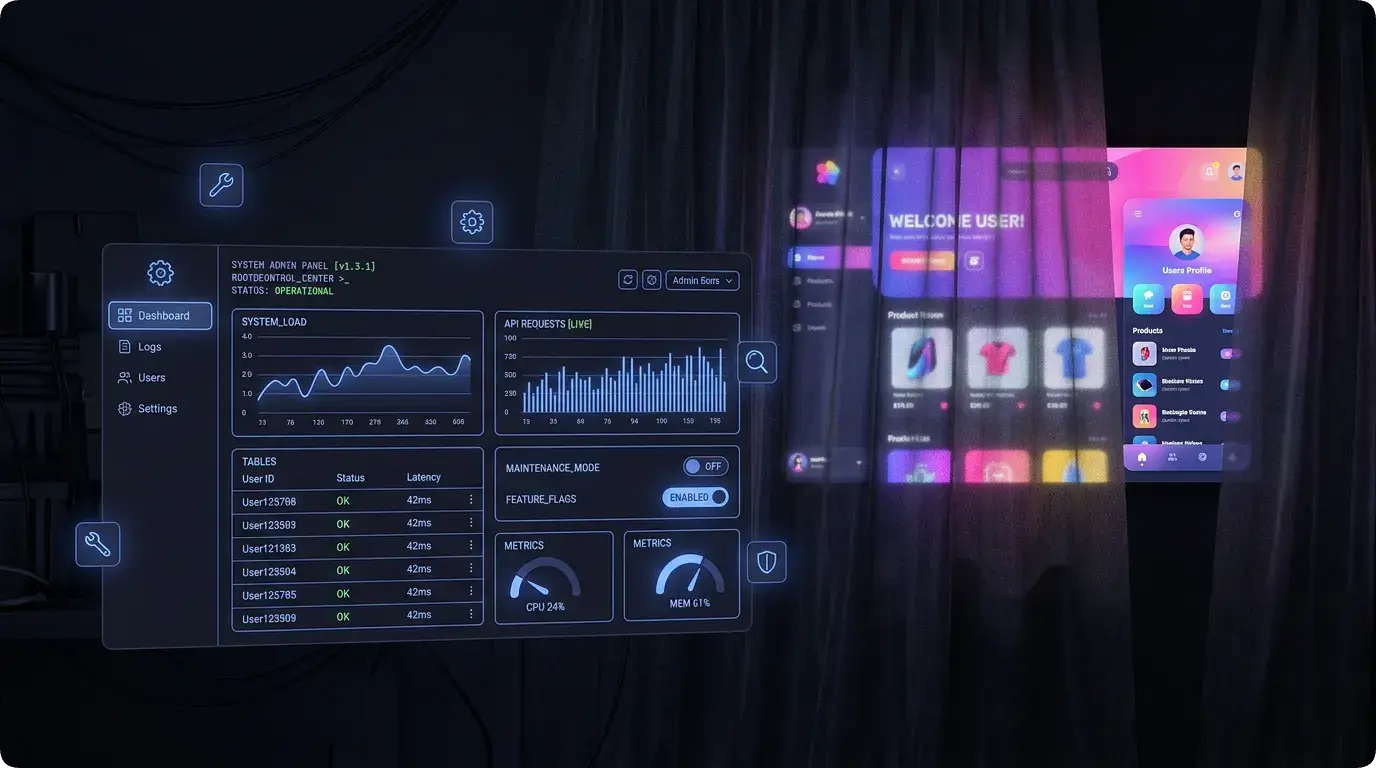

Let me tell you a secret about every app you use: behind the pretty UI you see, there’s an ugly admin panel that the developers use to keep things running. User management, error logs, config toggles, content moderation — all the unglamorous stuff that makes the glamorous stuff possible.
When I started building Lumo, the admin dashboard was an afterthought. “I’ll build it when I need it.” Famous last words. Within two weeks of having real test data, I needed to:
- Check why a user’s budget wasn’t calculating correctly
- Toggle the prediction model version
- Look at error logs without SSH-ing into anything
- See how many users were hitting rate limits
I needed an admin panel. And I needed it yesterday.
Why Not Just Use the Convex Dashboard?
Convex has a built-in dashboard. It’s actually quite good — you can browse tables, run functions manually, view logs. For basic database operations, it works.
But it’s a generic tool. It doesn’t know that when I’m debugging a user’s budget issue, I need to see their transactions, income streams, cycle state, and loan summary all on one screen. It doesn’t have a “recalculate this user’s predictions” button. It doesn’t show me analytics charts of daily signups.
Custom admin tools are about workflows, not just data access. The Convex dashboard gives me data. My admin panel gives me the ability to act on it.
The Tech Stack Choice
For the admin panel, I went with a completely different setup than the marketing site:
- Vite — No SSR needed, no SEO, just a fast SPA
- React 19 — Latest and greatest
- TanStack Router — Type-safe file-based routing
- Radix UI — Accessible component primitives
- Recharts — Data visualization
- Zustand — Lightweight state management
Why not Next.js like the marketing site? Because the admin panel doesn’t need server-side rendering. It doesn’t need SEO. It doesn’t need static generation. It’s an internal tool that only I use. Vite gives me sub-second hot reload, and TanStack Router gives me type-safe routes without the overhead of a full framework.
The admin panel runs on port 3001 alongside the main site on 3000 and the Convex backend. One bun run dev starts everything through Turborepo.
The Route Structure
TanStack Router uses file-based routing with code generation. Here’s the route map:
src/routes/
├── __root.tsx              # Auth guard, sidebar layout
├── index.tsx               # Dashboard overview
├── users/index.tsx         # User management
├── subscriptions/index.tsx # Tier & trial management
├── predictions/index.tsx   # Model config, accuracy
├── analytics/index.tsx     # Charts and metrics
├── errors/index.tsx        # Error log browser
├── feedback/index.tsx      # User feedback
├── feature-requests/index.tsx
├── comments/index.tsx      # Blog comment moderation
├── contacts/index.tsx      # Contact form submissions
├── rate-limits/index.tsx   # Rate limit violations
├── device-access/index.tsx # Device session management
├── developer-tools/index.tsx
├── migrations/index.tsx    # Data migration runner
├── notifications/index.tsx # Push notification tester
├── builds/index.tsx        # EAS build history
└── waitlist/index.tsx      # Waitlist signups
Eighteen routes. For an “internal tool.” Yeah, it grew.
The Pages That Matter Most
Let me walk through the pages I use daily:
User Management
The users page is where I spend most of my admin time. It shows a searchable list of all users with their subscription tier, trial status, last active date, and device count.
Clicking a user opens their detail view: current cycle state, recent transactions, active income streams, outstanding loans, prediction accuracy, and feature usage. Everything I need to debug “my budget is wrong” in one screen.
Key actions available:
- Adjust subscription tier (free → pro)
- Extend trial period
- Grant promotional access
- Override device sessions
- View security event log
Prediction Model Control
This page lets me toggle between prediction model V1 and V2, view the accuracy metrics for each, and trigger bulk recalculations.
There’s a comparison view that shows V1 vs V2 predictions for the same user data — useful for validating that V2 is actually better before switching everyone over.
The bulk recalculation button processes all users in batches (100 per run, to respect Convex function timeouts). The page shows the recalculation progress and any errors that occurred.
Error Log Browser
Every server-side error in Lumo gets logged to the errors table with:
- Error message and stack trace
- Which function threw it
- The user who triggered it (if applicable)
- Request context (platform, app version)
- Severity level
The admin page shows these in reverse chronological order with filtering by severity, source, and date range. I can click any error to see the full stack trace and context.
This replaced my “SSH into logs and grep” workflow entirely. Everything is in the database, queryable and searchable. It’s slower to write than console.log, but infinitely more useful in production.
Analytics Dashboard
Charts. Everyone loves charts. The analytics page shows:
- User growth: Signups per day/week/month
- Active users: DAU/WAU/MAU trends
- Feature usage: Which features are being used most
- Transaction volume: How many transactions are being added daily
- Prediction accuracy: How close predictions were to actual spending
Built with Recharts, which is the “just works” charting library for React. Not the most beautiful, not the most performant, but reliable and well-documented.
The Auth Guard
The admin panel is protected by Firebase Auth with an admin role check. The root layout wraps everything in an auth guard:
// routes/__root.tsx
export const Route = createRootRoute({
  component: () => {
    const { user, isAdmin, isLoading } = useAdminAuth();

    if (isLoading) return <LoadingScreen />;
    if (!user) return <SignInPage />;
    if (!isAdmin) return <UnauthorizedPage />;

    return (
      <div className="flex h-screen">
        <Sidebar />
        <main className="flex-1 overflow-auto p-6">
          <Outlet />
        </main>
      </div>
    );
  },
});
isAdmin checks against an environment variable that lists admin user IDs. Not the most sophisticated RBAC, but for a one-person operation? It works. If Lumo ever grows a team, I’ll implement proper role-based access. But right now, the only admin is me.
The Developer Tools I Didn’t Expect to Need
Some pages in the admin panel exist because I hit a problem and said “I need a button for this.”
Seed Users: Creates test users with realistic data — transactions, income streams, loans, predictions. Invaluable for testing new features without messing with real data.
Migration Runner: Runs data migrations — backfilling new fields, cleaning up deprecated data, recalculating historical savings. Each migration is a function I can trigger from the UI instead of running scripts manually.
Notification Tester: Sends test push notifications to specific devices. Because debugging push notifications by adding real data and waiting for the cron job is… not fun.
Rate Limit Monitor: Shows which users are hitting rate limits and how often. Helps me tune the limits — too strict and legitimate users get blocked, too loose and someone spams the API.
The Design Philosophy: Functional Over Pretty
The admin dashboard is not pretty. It’s functional. Every page is a table or a form or a chart. No animations. No gradients. No hero sections. Radix UI gives me accessible, unstyled primitives that I wrap with minimal Tailwind classes.
And that’s intentional. This is a tool, not a product. It needs to show me information clearly and let me take actions quickly. Every pixel spent on aesthetics is a pixel not spent on functionality.
That said — it’s not ugly either. Consistent spacing, readable typography, clear hierarchy. Just no visual fluff.
// A typical admin page component
function UsersPage() {
  const users = useQuery(api.admin.listUsers);
  const [search, setSearch] = useState("");

  const filtered = users?.filter(u =>
    u.name?.toLowerCase().includes(search.toLowerCase()) ||
    u.email?.toLowerCase().includes(search.toLowerCase())
  );

  return (
    <div>
      <h1 className="text-2xl font-bold mb-4">Users</h1>

      <Input
        placeholder="Search users..."
        value={search}
        onChange={(e) => setSearch(e.target.value)}
        className="mb-4 max-w-md"
      />

      <Table>
        <TableHeader>
          <TableRow>
            <TableHead>Name</TableHead>
            <TableHead>Email</TableHead>
            <TableHead>Tier</TableHead>
            <TableHead>Trial Ends</TableHead>
            <TableHead>Actions</TableHead>
          </TableRow>
        </TableHeader>
        <TableBody>
          {filtered?.map(user => (
            <UserRow key={user._id} user={user} />
          ))}
        </TableBody>
      </Table>
    </div>
  );
}
Tables, inputs, buttons. That’s it. And it’s exactly what I need.
Lessons from Building Internal Tools
Here’s what I’ve learned from building (and actually using) an admin dashboard:
1. Build it early. I waited too long and spent days debugging issues that would’ve taken minutes with proper admin tooling. The investment pays for itself immediately.
2. Every action should be a button. If you’re running a database query manually to check something, that should be a page in your admin panel. If you’re executing a script to fix data, that should be a button.
3. Logging beats debugging. The error log browser is the most valuable page in the admin panel. Structured error logging to a database table is infinitely better than console.log statements you have to find in a log stream.
4. Don’t over-engineer it. TanStack Router + Radix UI + Zustand is lightweight. No complex state management. No elaborate component library. Just enough structure to build pages quickly and move on.
5. Dog-food your own admin tools. I use the admin panel every day. If something is annoying, I fix it immediately. The best admin tools are the ones built by the person who has to use them.
The admin dashboard is the least glamorous part of Lumo. Nobody will ever see it except me. But it’s the reason I can run the entire system with confidence. When something breaks, I know within minutes. When a user reports an issue, I can investigate in seconds. When I need to roll out a change, I can monitor the impact in real-time.
Every serious app needs internal tooling. Don’t skip it. Don’t postpone it. Build it alongside your product, and your future self will thank you.
Next up: the security and subscription system — device sessions, rate limiting, tier management, and how I keep financial data safe without making the app annoying to use.
Until then, build your admin panels with love (and Radix UI), nerds. 🛠️
Discussion
Share your thoughts and engage with the community