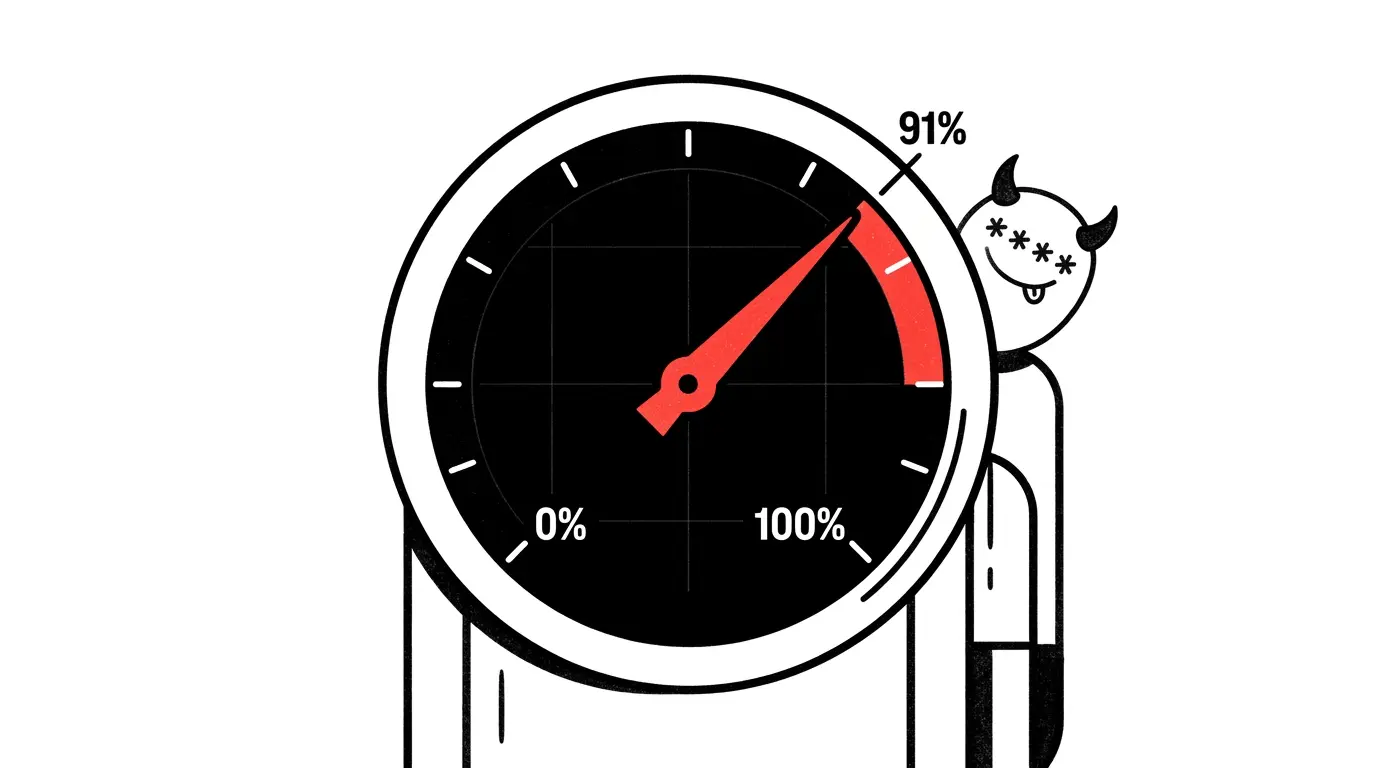
91% Used
It’s a Wednesday night. The app is healthy. My users are happy. I open the Convex dashboard to glance at usage because the email subject line was “Your team is approaching free tier limits” and I assumed it was the normal kind of nagging.
It wasn’t.
The function-call meter says 91% used with two and a half weeks left in the billing cycle. I scroll down to the per-function breakdown:
| Function | Env | Invocations |
|---|---|---|
persistentTextStreaming/lib.cleanupExpiredStreams | Dev | 18K |
persistentTextStreaming/lib.cleanupExpiredStreams | Prod | 18K |
documents.listRecent | Dev | 644 |
workflow/workpool/crons.healthcheck | Prod | 617 |
36,000 calls. From a function I didn’t write. With a name I half-recognized.
This is the story of figuring out what that function did, why it was running so often, and what I had to change about how I evaluate dependencies after that.
What I thought was happening
I built three AI features for wryte.xyz: a full-document enhance, an inline rewrite-this-selection popover, and a frontmatter auto-suggester. All three stream the model’s output token-by-token into the editor so you can watch the rewrite appear in real time.
For the streaming bit I used @convex-dev/persistent-text-streaming, a Convex component published by the Convex team. Pattern: when the user triggers a generation, a mutation creates a row in a streams table; an action streams chunks from Anthropic/OpenAI into that row; the client subscribes to a query that reads the row reactively. As chunks arrive, the UI re-renders. Beautiful.
I read the README. I copied the example. I shipped it. It worked.
In my head, the model of “cost” for this feature was:
Each AI generation = 1 mutation + 1 streaming action + 1 reactive subscription. Maybe a few dozen function calls per request. At our usage that’s a tiny fraction of the budget.
That model was right about per-request usage. It was completely wrong about steady-state.
The investigation
The function name was a clue. persistentTextStreaming/lib.cleanupExpiredStreams is namespaced by component, then by file, then by export. So this was code from inside the component package, in a file called lib, exporting a function cleanupExpiredStreams.
I opened node_modules/@convex-dev/persistent-text-streaming/dist/component/:
crons.js
lib.js
schema.js
_generated/
crons.js was 7 lines:
import { cronJobs } from "convex/server";
import { internal } from "./_generated/api.js";
const crons = cronJobs();
// Run every minute
crons.interval(
  "cleanup expired streams",
  { minutes: 1 },
  internal.lib.cleanupExpiredStreams,
);
export default crons;
There it was. A built-in cron, running once a minute, garbage-collecting stale streams.
The function it called scans the streams table for rows in pending or streaming state that have been sitting longer than 20 minutes. Those rows represent AI generations that started and never finished — usually because the user closed the tab mid-generation, or the network died, or the browser crashed. The cron marks them timeout so the UI doesn’t try to subscribe to a forever-loading state.
This is good design. Stuck states need a janitor. If nobody marks them dead, they accumulate.
The choice of 1 minute is defensible too. From the package author’s perspective: if a user closes the tab during a generation, you want their AI history to stop saying “loading…” as fast as possible. One minute is responsive. Twenty-four hours would be silly.
But here’s the thing about my app: no user is staring at a frozen AI loading state for more than a few seconds. If a generation fails, the UI shows an error and the user moves on. The 20-minute expiration is generous already. The 1-minute polling interval is overkill for my usage pattern.
The math:
1 call/minute × 60 × 24 × 30 = ~43,000 calls/month per Convex deployment. Dev + Prod = ~86,000 calls/month.
Multiply that by 12 months and you get roughly 1 million function calls per year — the entire free-tier budget — going to a maintenance task that nobody would notice if it ran daily instead of every minute.
I had paid for the maintenance cron of a package every single hour I’d been running the app, even on weekends, even at 3 AM, even when zero users were logged in.
The fix
The interval is hardcoded. There’s no app.use(persistentTextStreaming, { cleanupIntervalMinutes: 1440 }) option. To change it I needed to modify the package itself.
I used bun patch to change { minutes: 1 } to { hours: 24 } and commit the diff to the repo. That’s a separate post; the short version is the patch survives bun install, deploys through CI, and the new schedule took effect on the next Convex deploy.
After the patch:
- 1 call/day × 30 = ~30/month per deployment
- Dev + Prod = ~60/month
A 99.93% reduction for this single function. My budget went from 91% used to under 50%. AI features unchanged. Stuck streams now linger up to 24 hours before cleanup — which is fine because nothing in my UI branches on the timeout status, and no user holds the page open that long anyway.
Total time from spotting the issue to patch-in-prod: about an hour. Most of that was reading the package source and verifying my mental model of what the function did.
The real lesson isn’t about Convex
It would be easy to make this post about Convex’s free tier, or about the specific component. That would miss the point.
The point is that a dependency is not just the code you call — it’s everything that code does on your behalf, on its own schedule, that you didn’t write and didn’t agree to. Components and frameworks make this worse because they’re encouraged to take initiative: register a cron, start a worker, open a connection, set up a polling loop. They’re trying to be helpful.
Helpful is expensive on a metered backend.
Some examples from packages most of us have shipped with:
- Sentry SDK runs a background flush loop and re-sends queued events on a schedule.
- Datadog browser-rum beacons every few seconds.
- PostHog batches events and posts them on an interval.
- LaunchDarkly polls for flag updates by default (with streaming as an opt-in).
- TanStack Query refetches on window focus, reconnect, and a stale-while-revalidate timer.
- Most ORM libraries probe schema state on boot. Some keep doing it.
On a server you own, these costs are amortized into the box you rented for the month. You don’t notice them. On a serverless platform billed per function-invocation, per-database-operation, per-bandwidth-byte, they become line items. The package’s defaults — chosen by someone optimizing for “default reasonable behavior on a generic stack” — are sometimes catastrophically wrong for your specific shape.
I should have caught this before I shipped. I didn’t, because I evaluated the package by its README, its API surface, and its examples. I didn’t read the source.
A short checklist I’m using now
When I add a non-trivial dependency now, I run through this. It takes ten minutes.
1. Does it register background work?
grep -rE "cron|setInterval|setTimeout|.schedule\(|.runAfter\(|.runEvery\(" \
  node_modules/<pkg>/dist
If anything turns up, read what it does and how often it runs.
2. Does it open persistent connections?
WebSocket clients, polling loops, long-lived HTTP keep-alives. These are easy to miss because they don’t show up as discrete events — they show up as bandwidth.
3. Does it write to my database on its own?
Schema introspection, migration table updates, status-keepalive rows. If a package has its own table, it almost certainly has a janitor.
4. Is the schedule/interval/threshold configurable?
If it’s hardcoded, that’s a yellow flag. Reasonable maintainers expose these knobs because they know one size doesn’t fit all. Hardcoded values mean either (a) the maintainer doesn’t care about your case yet — open a PR — or (b) the value really is universally appropriate. (b) is rarer than people think.
5. What’s the cost shape on my platform?
A polling loop that’s free on a VPS is a line item on Convex, Cloudflare Workers, Vercel Edge, Lambda. Translate the package’s behavior into your billing unit. If it’s nonzero, log it as a known operational cost so future-you doesn’t get blindsided.
6. Set an alert.
Most metered platforms let you set usage alerts at, say, 50% and 80% of your tier. Set them. The email I got at 91% should have been a 50% email three weeks earlier.
The bigger reframing
I used to think of dependencies as a binary: “I added Sentry, I get error tracking.” The cost was the install size and maybe some abstract “complexity.”
Now I think of dependencies as renting an employee. They show up on schedules I didn’t set, they do work I didn’t ask for, they consume resources I’m paying for. Most of the time they’re great employees, but I should still know what they’re doing during work hours.
bun patch is what I’d use to hand them a new schedule. Reading the source is what I’d use to know they need one.
What I’d tell past-me
If I could send one message back to Wednesday-night-me at 11 PM staring at the dashboard:
The function eating your budget isn’t yours. It’s in
node_modules/@convex-dev/persistent-text-streaming/dist/component/crons.js. It’s running every minute because that’s the default the maintainer chose. Open that file, read it, thenbun patchit to run daily. While you’re at it, set a 50% usage alert. While you’re really at it, audit the other components you use the same way.
And next time, before you
npm installanything that has the word “component” or “framework” in it, grep itsdist/for “cron” first.
Cheap habit. Saves a paycheck.
References
- Convex pricing and limits
@convex-dev/persistent-text-streamingcomponent- Bun patches — the fix this post references
- A good dependency-evaluation post by Rich Harris (2018, still mostly right)
npm-whyfor understanding why a package is in your treebundlephobiafor install-size costsocket.devfor security/risk audits of npm packages
Discussion
Share your thoughts and engage with the community